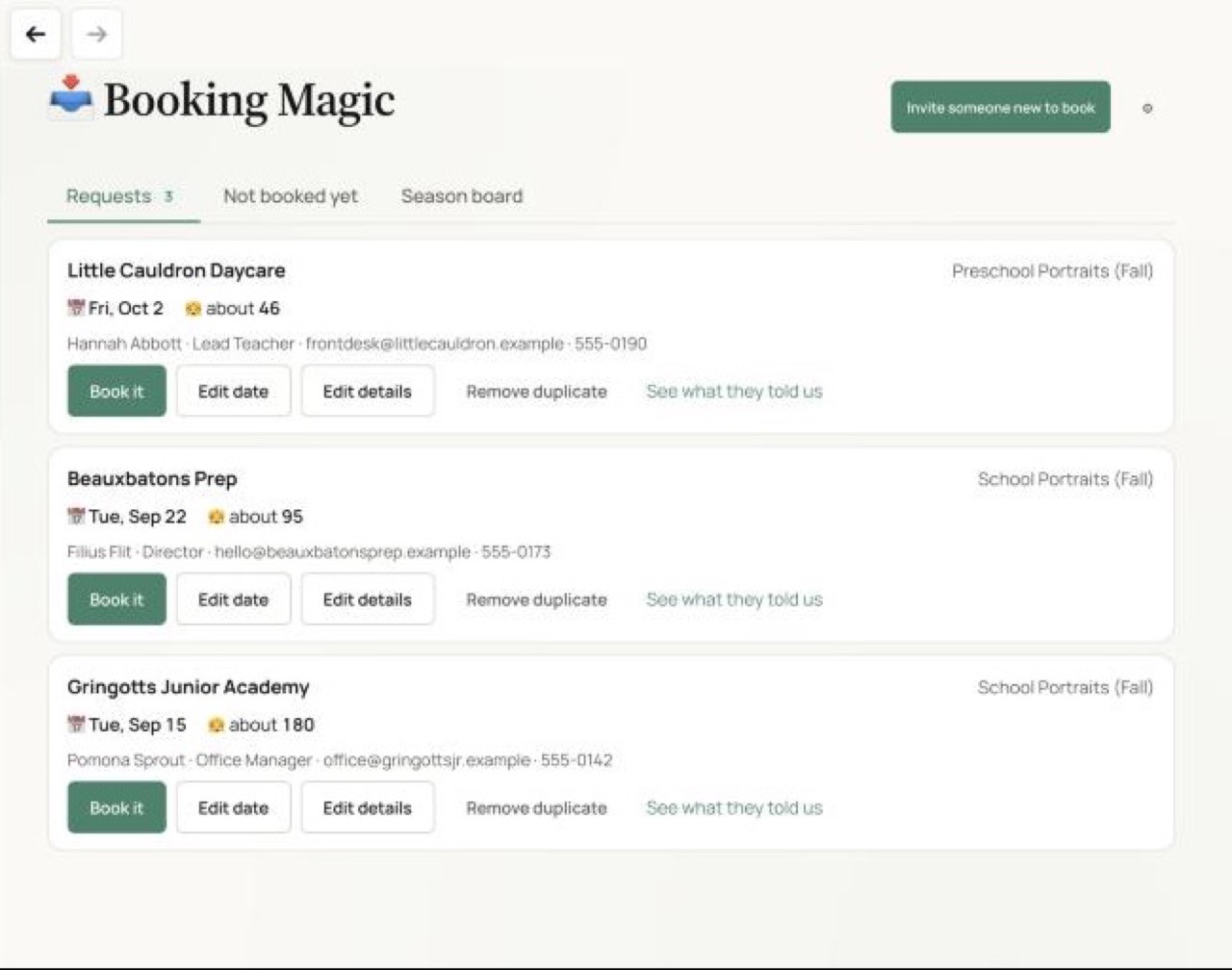
Clients can request a date through their portal, or you can create a session yourself.
Select Book it, then Yes, book it. Studio Magic creates the session and tasks, adds any new client or contact, and creates open shifts if you’ve turned that on.
Set availability on your calendar and stop offering dates once they are full.
See who has booked this season and who still needs to.
Districts can request dates for all their schools at once.
🎛️Customize for your studio
Questionnaires for each session type, with the details you need from each client.
Set turnaround, products and pricing in the agreement for each session type.
Available dates, daily limits and which session types can share a day.
Staff roles and crew sizes for each session type.
Which reminders go out, when, how and to whom.
The wording of your confirmation and reminder emails.