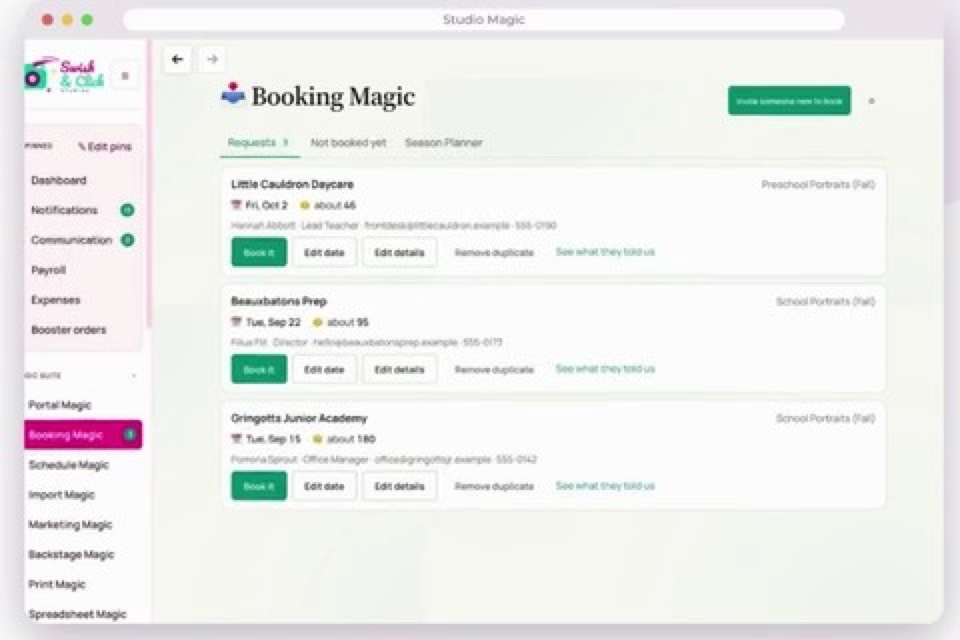
Book the day
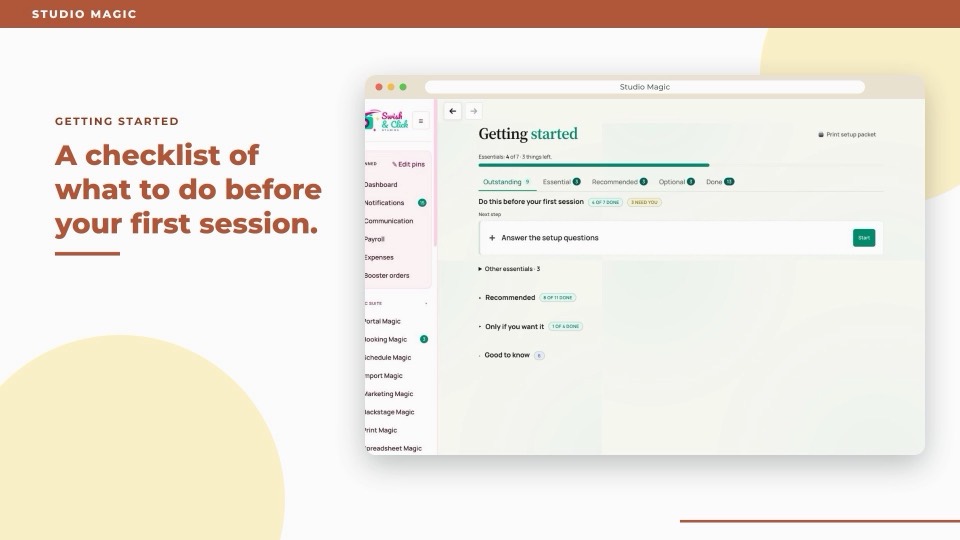
Confirm the request to create the session and tasks, plus open shifts if you use automatic staffing.

Keep your gallery and online store. Manage clients, crew and picture days in Studio Magic, with your own booking questions, crew plans and checklists for each job type.
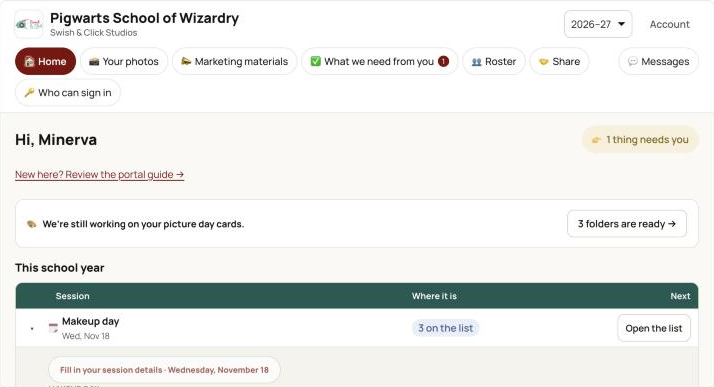
Confirm the request to create the session and tasks, plus open shifts if you use automatic staffing.
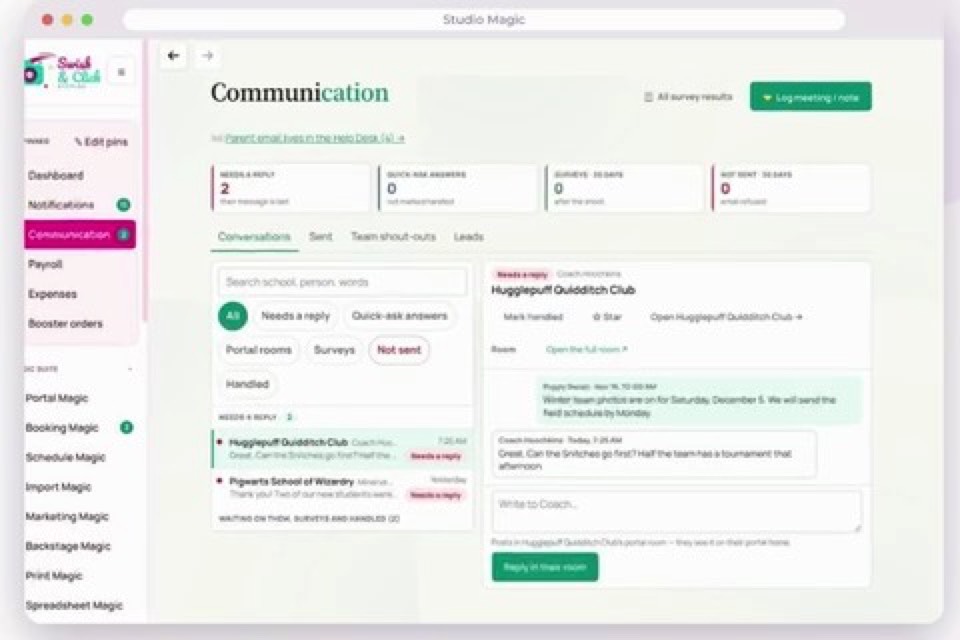
Give the school a place to send its roster and adjust its class schedule.
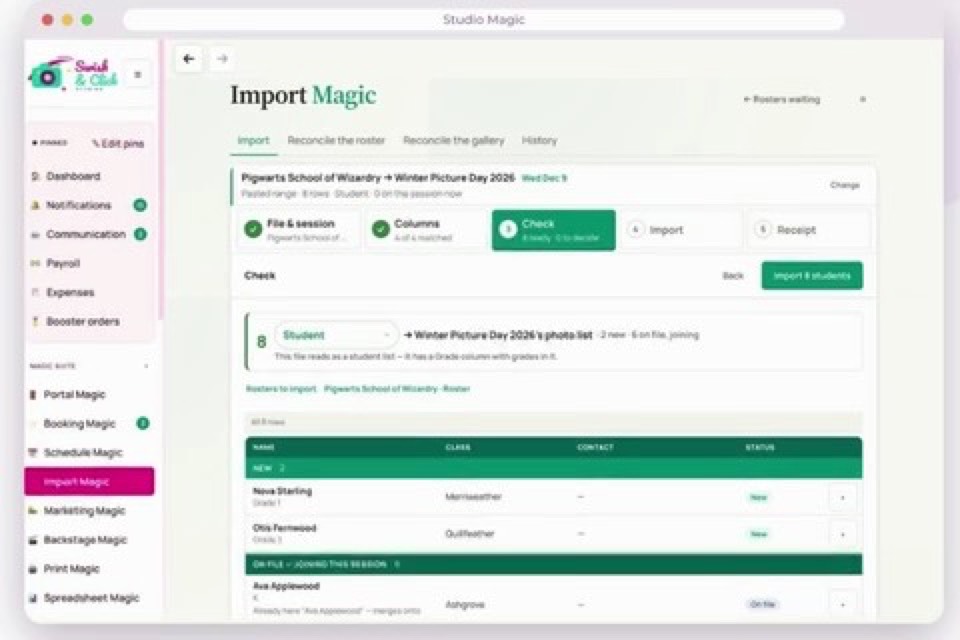
Review returning students and import changes before saving.
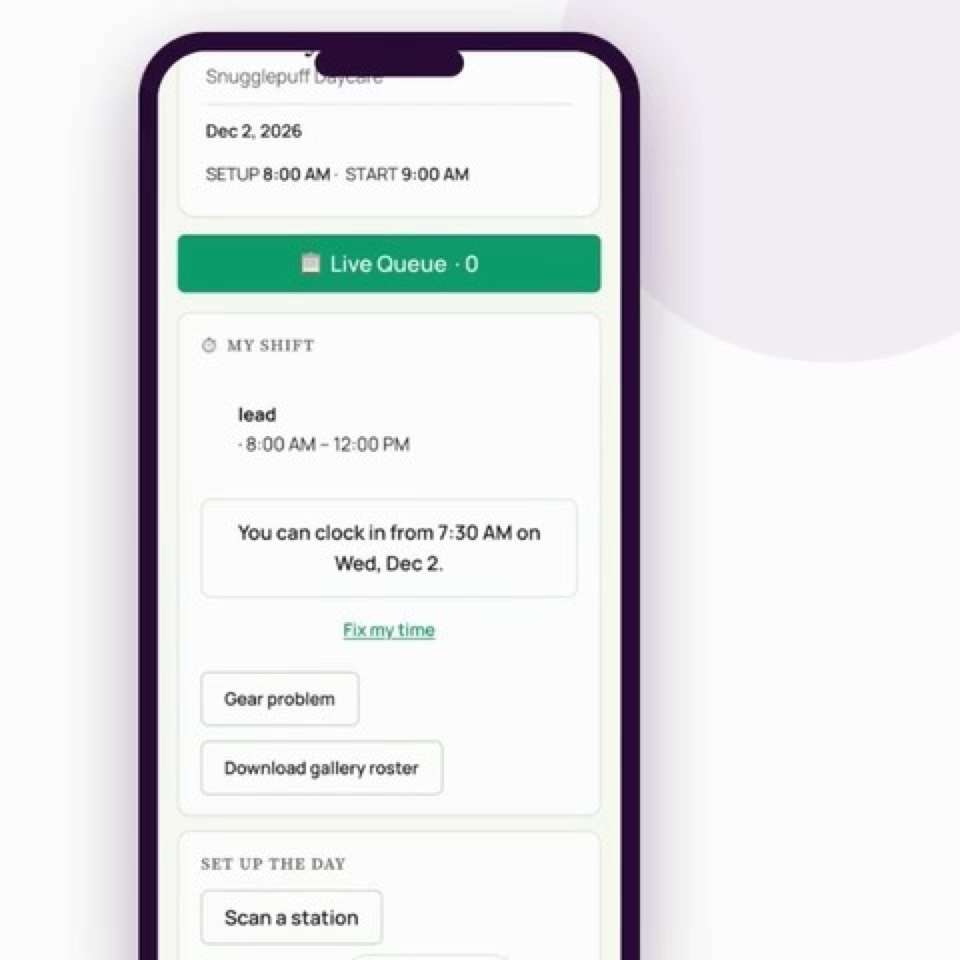
Give the crew a brief, room-by-room check-in and mobile time tracking.
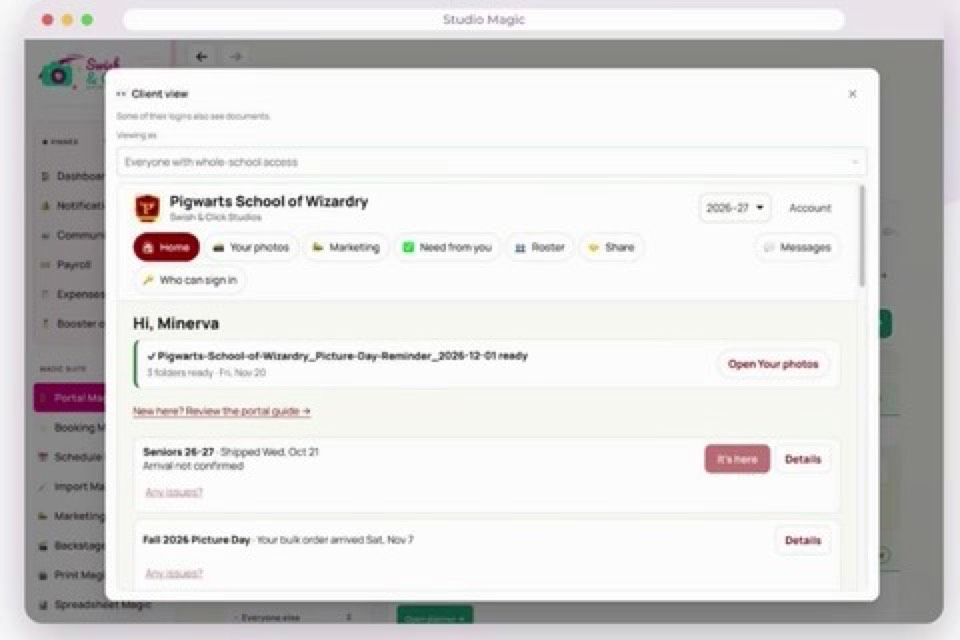
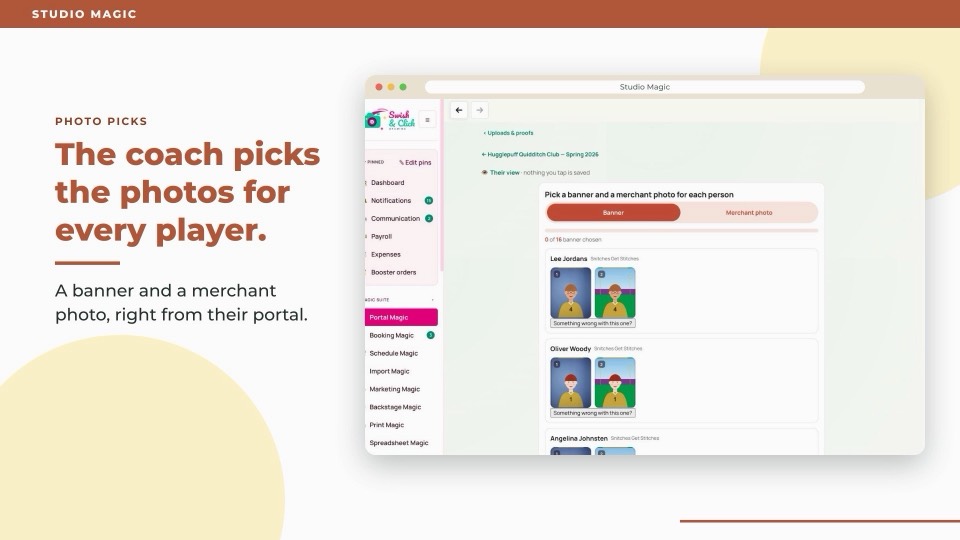
Share proofs, staff galleries, yearbook files and district exports.
Booking forms remember addresses, phone numbers and contacts. Clients only update what’s changed.
Schedule MagicOnce the roster and stations are set, auto-send an editable class schedule to the school.
Import MagicClean up a messy roster. Map the columns and check matches against past rosters.
Portal MagicSchools can print send-home gallery cards from the portal for families without email or phone.
Marketing MagicSaved flyer templates fill in the client’s colors, picture-day details and approved photos.
Backstage MagicSee which yearbook photos are missing and who still needs a makeup.
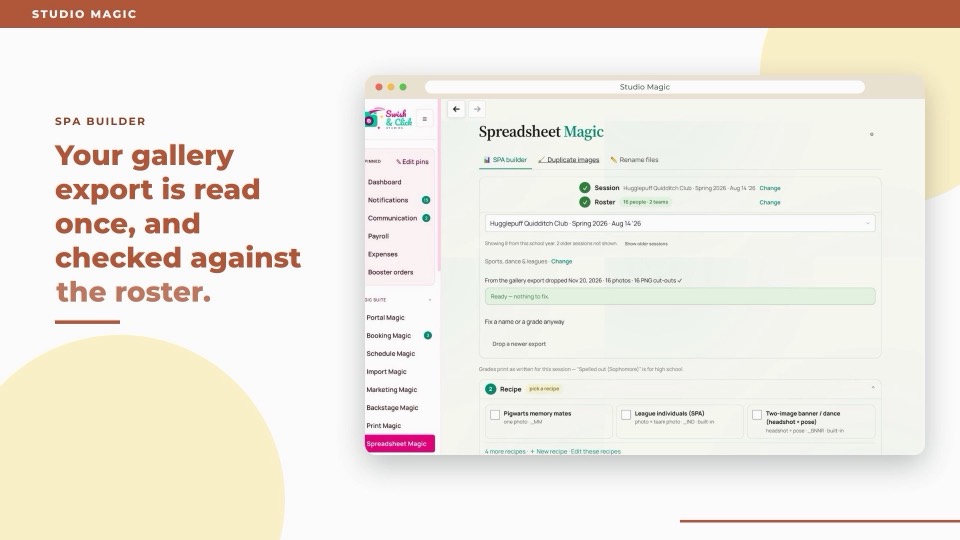
Spreadsheet MagicComposite sheets fill in file names, templates and actions from your saved setup.
CommunicationPortal messages stay with the client, where your team can find them.
Help DeskSee the child and order beside the message, with a suggested reply to review.
Your teamWhen shoot details change, the crew gets an updated brief.
FinancesUse past sales to plan for slower months.
SettingsTurn off services like yearbook or rebates if your studio doesn’t offer them.
Database access rules keep each studio’s records separate.
Staff can use an authenticator app, and you can require it for admins.
Review who changed records and when.
The live app is checked every 30 minutes. Errors and stalled jobs alert the team.
Use photos for marketing only with recorded permission.
Protected files open through links that expire.
Built and run every day by MXM Photography, a volume studio photographing schools, daycares, sports, dance and seniors.
Will it work with my studio? →